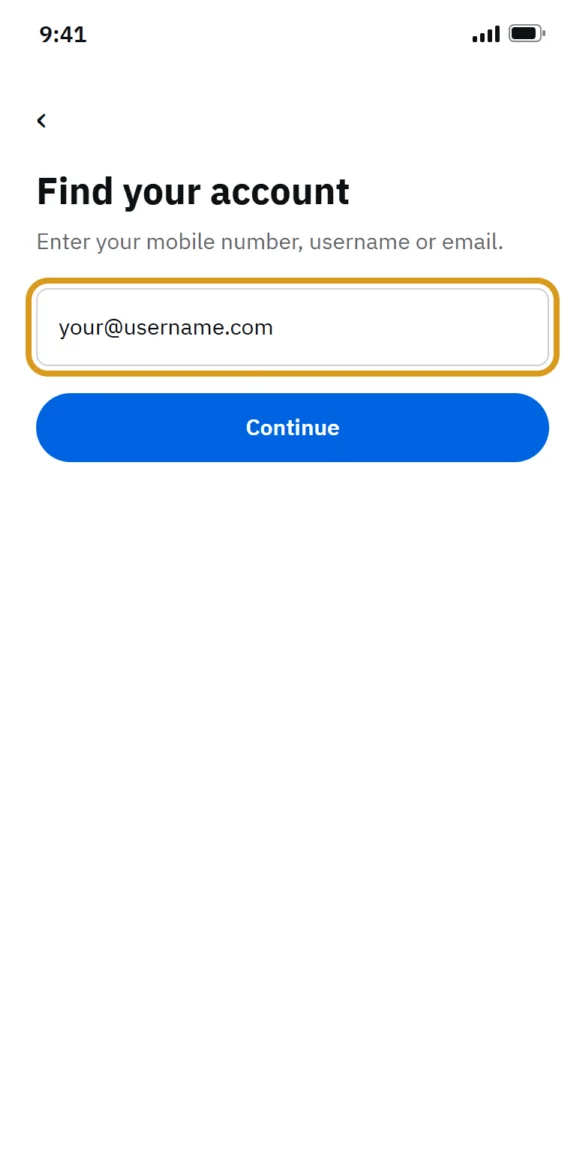
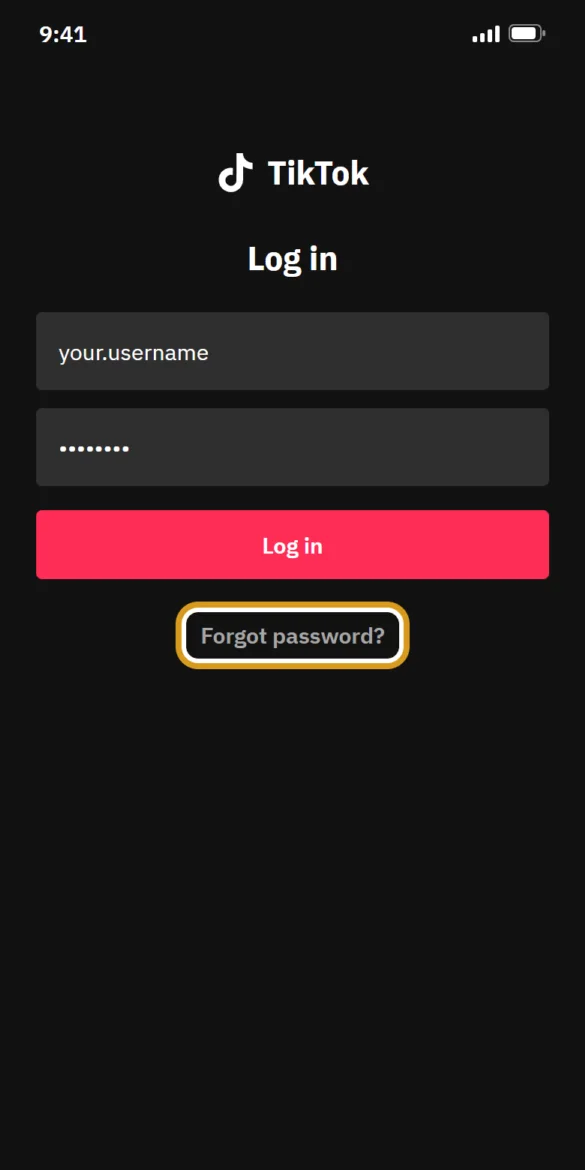
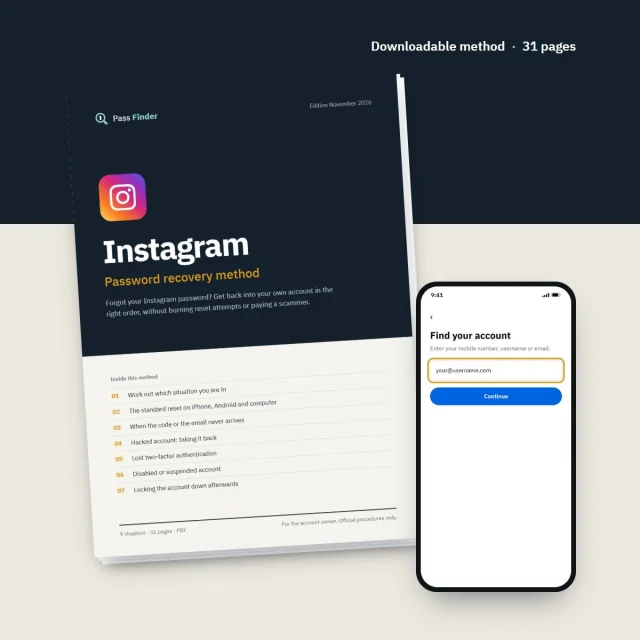
31 pages
Instagram Password Recovery Method
Forgot your Instagram password? Get back into your own account in the right order, without burning reset attempts or paying a scammer.
29,90 €See the method
Behind a refused password there are years of photos, messages, contacts, sometimes a business page. Pass Finder publishes a downloadable password recovery method for Instagram, Snapchat, TikTok, Facebook and X, written for the person who owns the account. Each one follows the platform's official tools and forms in the right order, with the exact buttons to tap, the messages to send and how long each stage usually takes, so you get back in without burning reset attempts or paying a scammer.
Which account can't you get into?
Downloadable method · from 29,90 € · Instant download

Pick the platform you are locked out of. Each method starts with the password reset and goes on to the cases where it is not enough: codes that never arrive, a hacked account, lost two-factor codes, a disabled account.
Forgot your Instagram password? Get back into your own account in the right order, without burning reset attempts or paying a scammer.
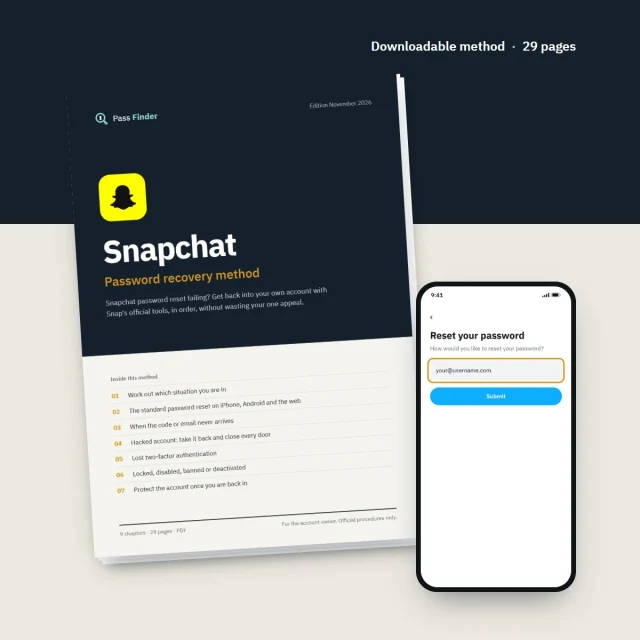
Snapchat password reset failing? Get back into your own account with Snap's official tools, in order, without wasting your one appeal.
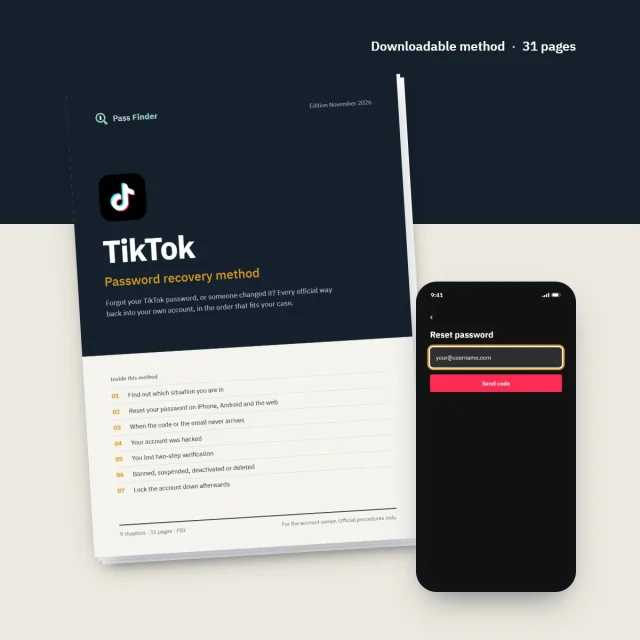
Forgot your TikTok password, or someone changed it? Every official way back into your own account, in the order that fits your case.
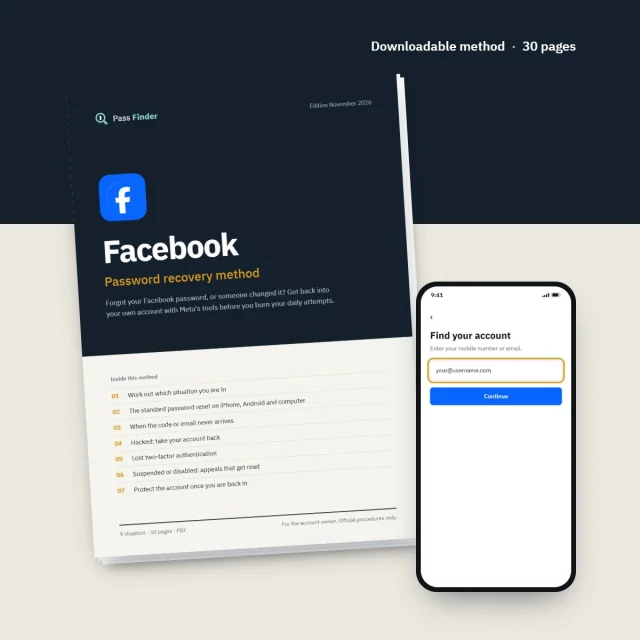
Forgot your Facebook password, or someone changed it? Get back into your own account with Meta's tools before you burn your daily attempts.
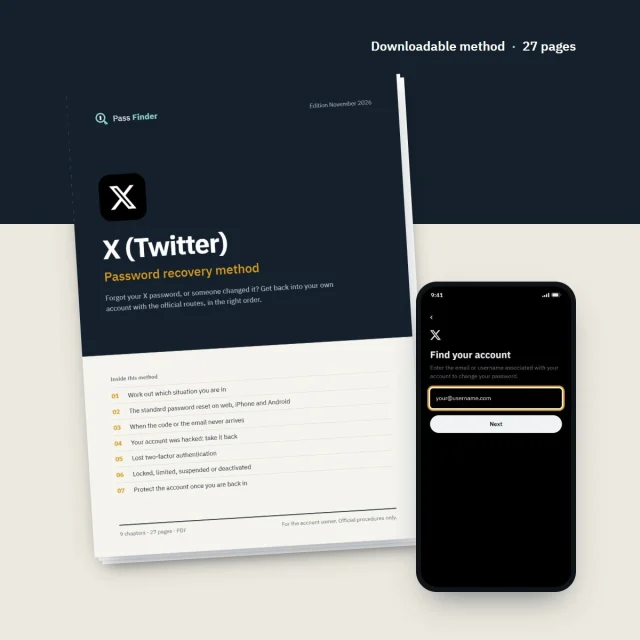
Forgot your X password, or someone changed it? Get back into your own account with the official routes, in the right order.
Most people who lose access to an account fall into one of three cases, and the fix depends more on the case than on the platform. A forgotten password is usually sorted out in minutes. A hacked account gets harder to recover with every hour the intruder controls the email address and phone number. A disabled account does not respond to password resets at all, because the platform has taken a decision that you have to contest through its appeal process.
If the email address or phone number on the account is still yours, the standard reset is almost always enough: a link or a short code, then a new password. When nothing arrives, the cause is usually mundane, such as a spam folder, an old address you forgot was linked, a typo in the username, or too many requests in a short time, which makes the platform stop sending for a while. Each method lists these causes in the order worth checking and tells you what to do while a limit wears off.
When someone else has taken over, speed matters. Platforms usually write to the old address when the email, phone number or password changes, and that message often contains a link to reverse the change, so search your inbox before anything else. If the intruder has replaced every contact detail, what remains is the official hacked-account flow and, on some platforms, an identity check by video selfie or ID document. Each method describes these routes, what you will be asked and how long it usually takes.
A disabled, suspended or banned account will not come back through a password reset, because the platform has applied one of its rules. The way back is the appeal process, usually reached from the notice itself or from a form in the help centre. A short, factual message that names the account and explains what happened is read far more favourably than an angry one. Each method includes appeal messages and the typical time platforms take to reply.
Start from what you can still reach today and find the matching row. The delays are typical, not promises.
Pick the method for the account you can't get into, or the pack of five if you use several platforms. The first chapter pins down your exact situation in a few minutes: forgotten password, hacked account, lost codes or ban.
After card payment, the download link appears on screen and arrives by email. It also stays available in your customer account.
Each chapter gives numbered steps with the labels exactly as the app shows them, on iPhone, Android and the web, plus ready-to-send messages for support and appeals.
Each method is organised by situation rather than by menu, so you only read the chapters that apply to you. It opens with a short diagnosis, then covers the standard password reset, codes that never arrive, hacked accounts, lost two-factor access, disabled accounts, protecting the account afterwards and the scams aimed at people who are locked out. It also spells out what the help pages leave out: the order of the steps, realistic delays, the messages to write and the fallback routes when the reset fails. A closing checklist covers what to do if nothing has worked, including when to start a new account and how to tell your followers.
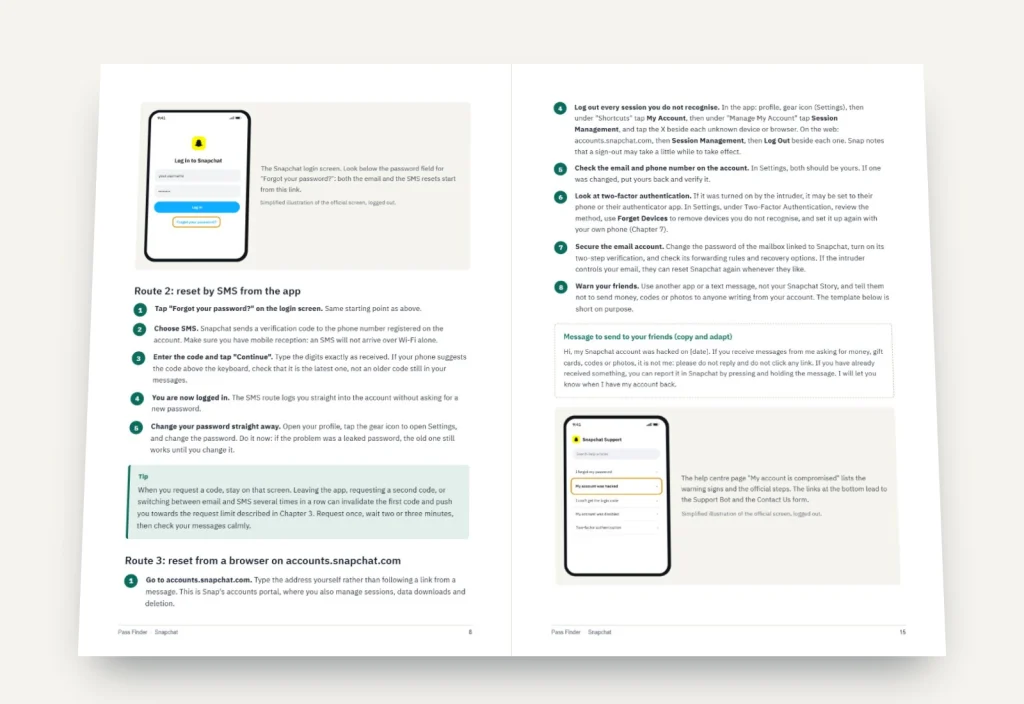
A few questions to tell a forgotten password from a hacked account, a lock or a ban.
iPhone, Android and web paths, with the button labels as the app displays them.
Appeals and support messages to copy and adapt to your own case.
How long each review usually takes, and when it makes sense to follow up.
A new password in a password manager, passkeys where offered, an authenticator app and login alerts.
How fake recovery experts and fake support messages operate, and how to spot them.
Pass Finder methods are written for the person who owns the account. We explain the platforms' own procedures and how to use them well; we do not replace them, and we cannot take a decision on a platform's behalf. Whether an account is restored is always up to Meta, Snap, TikTok or X.
Most lockouts start with something small. An email address created years ago and no longer checked, a phone number that changed with a new contract, a password reused from a site that leaked. None of this matters until the day a platform asks you to confirm a code, and the code goes somewhere you can no longer reach. The best time to deal with password recovery is while you can still log in.
Start with the contact details. Open the settings of each account and check that the email address and phone number listed are ones you use today. If a platform lets you add a second email or number, add it. Then look at the email inbox itself: it is the master key to everything else, so it deserves the strongest password you own and two-factor authentication of its own. An intruder who controls your email can reset almost every social account you have, which is how many hacked accounts begin.
Next, passwords. A password manager removes the temptation to reuse the same password, because you no longer have to remember any of them. Where a platform offers passkeys, they are worth turning on: there is nothing to type, so there is nothing to give away on a fake login page. For two-factor authentication, an authenticator app is more reliable than text messages, which can be delayed abroad or intercepted after a SIM swap. When you switch it on, save the backup codes somewhere other than the phone itself, on paper or in your password manager.
Once a quarter, look at the list of active sessions and connected apps. Platforms show where you are logged in and which third-party services can act on your account. Anything you do not recognise should go. Login alerts, sent by email or notification when a new device signs in, give you a head start if someone else gets in.
If you are already locked out, resist two reflexes. The first is to request password reset codes again and again: most platforms limit how many they send in a short period, and hammering the button can block sending for several hours. The second is to reply to anyone who offers help. People who comment under your posts or message you claiming they can recover accounts for a fee are, in practice, running scams, and genuine support teams do not contact users through direct messages to sell anything. Use the platform's own help centre, keep a note of what you tried and when, and wait for official replies before trying a different route.
Finally, accept the limits. A deleted account usually disappears for good once the platform's grace period has passed, often 30 days, and a ban upheld after appeal is rarely reversed. Knowing this early lets you decide when to keep trying and when to start again with a new account, with better protection from day one.